



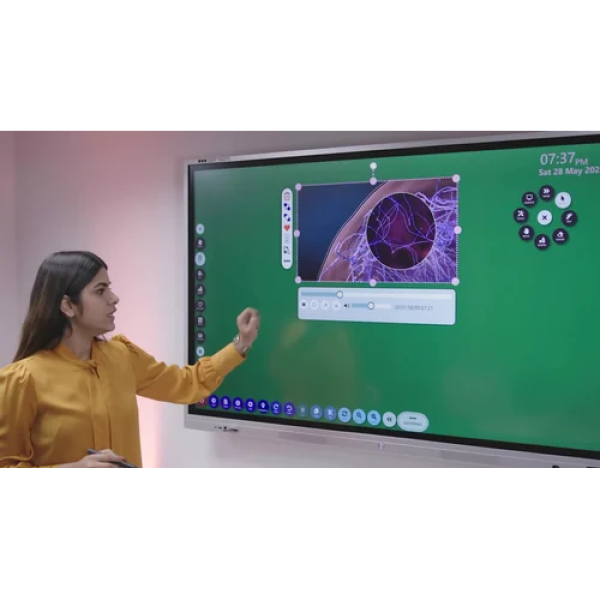
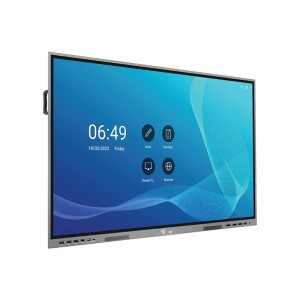
Interactive Flat Panel (IFP) Display with 75 inches
Inhouse product
-
 Rs172,800.00
 -
Rs172,800.00
-
Rs10,518.00
Reviews & Ratings
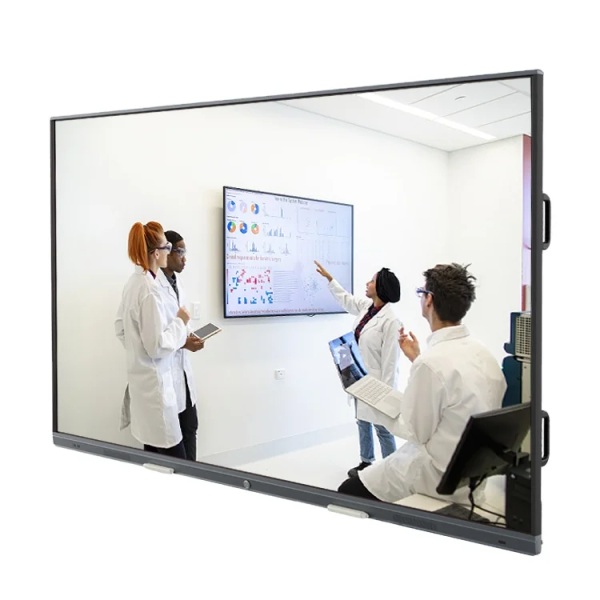
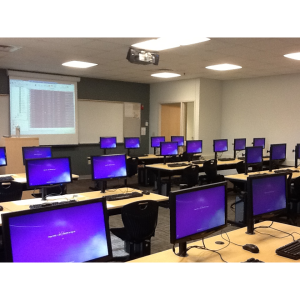
An Interactive Flat Panel (IFP) Display with 75 inches is a small display device that combines the functionality of a traditional whiteboard with the interactive capabilities of a computer or tablet. These panels are commonly used in classrooms, boardrooms, and other collaborative environments for presentations, teaching, and interactive discussions.
Here are some key features and functionalities of Interactive Flat Panels:
1. **Large Touchscreen Display**: IFPs typically feature a large, high-resolution touchscreen display that allows users to interact directly with the content displayed on the screen using touch gestures, such as tapping, swiping, and pinch-to-zoom.
2. **Interactive Whiteboard Capabilities**: IFPs often come with interactive whiteboard software that allows users to draw, write, annotate, and manipulate digital content directly on the screen using a stylus or their fingers. This software may offer a variety of tools, such as pens, shapes, text, and color options.
3. **Multi-User Collaboration**: Many IFPs support multi-touch functionality, allowing multiple users to interact with the screen simultaneously. This enables collaborative activities, such as group brainstorming, team presentations, and interactive learning experiences.
4. **Connectivity Options**: IFPs typically offer a range of connectivity options, including HDMI, VGA, USB, and wireless connectivity, allowing users to connect various devices, such as computers, laptops, tablets, smartphones, and document cameras, to the panel.
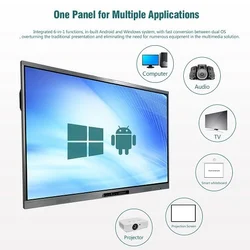
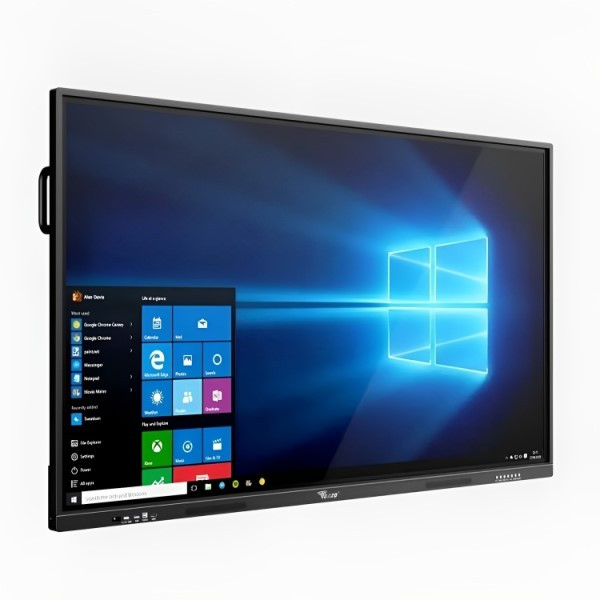
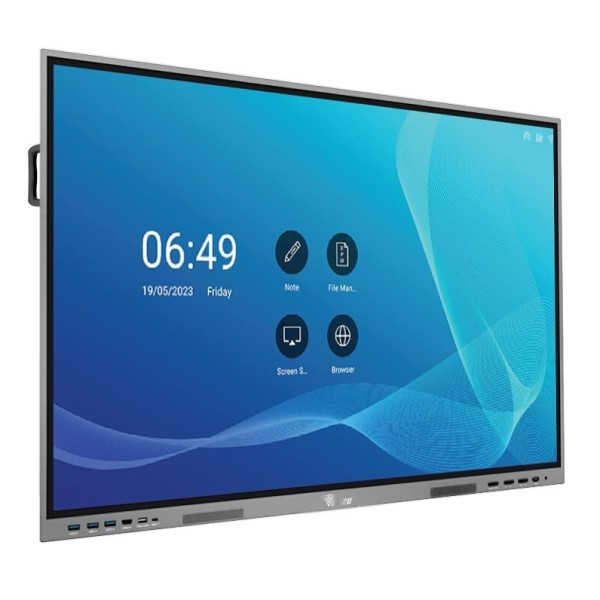
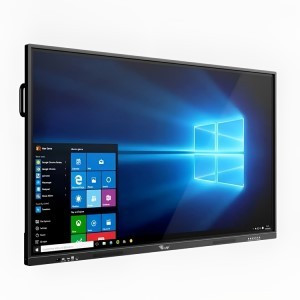
5. **Built-in Computing Power**: Some IFPs come with built-in computing power, allowing them to function as standalone devices without the need for an external computer or media player. These panels may run on an operating system, such as Android or Windows, and offer built-in apps and web browsers for accessing content and running interactive presentations.
6. **Integration with Learning Management Systems (LMS)**: Many IFPs can integrate with LMS platforms, allowing educators to access and deliver educational content, manage student assignments and grades, and facilitate interactive learning experiences directly from the panel.
7. **Remote Collaboration**: Some IFPs offer remote collaboration features, enabling users to share content, participate in video conferences, and collaborate with remote participants in real time using web conferencing software and cloud-based collaboration tools.
Overall, Interactive Flat Panels provide a versatile and interactive solution for presentations, teaching, collaboration, and interactive learning experiences in various educational and corporate settings.
Frequently Bought Products
Product Queries (0)
Login Or Registerto submit your questions to seller
Other Questions
No none asked to seller yet
-
Rs172,800.00
-
Rs172,800.00
-
Rs10,518.00
MGL Smart Technology
Best e-commerce it solutions

Follow Us
Mobile Apps